
Simple work management software. Your work is everywhere. It shouldn’t be.

The best way to keep your small business together.

Bring files, tasks, conversations, and customer work together on simple, visual Boards.

No credit card required · Start with one Board

Sound familiar?

You’ve been busy all day. Your work is still waiting.

  • “Where’s that file?”
  • “What did we decide?”
  • “Who’s handling this?”

You stop what you’re doing. Search your email. Forward the link. Then someone else needs something. It’s five o’clock, and your work is exactly where you left it.

What is xBoard?

Everything related. One clear place.

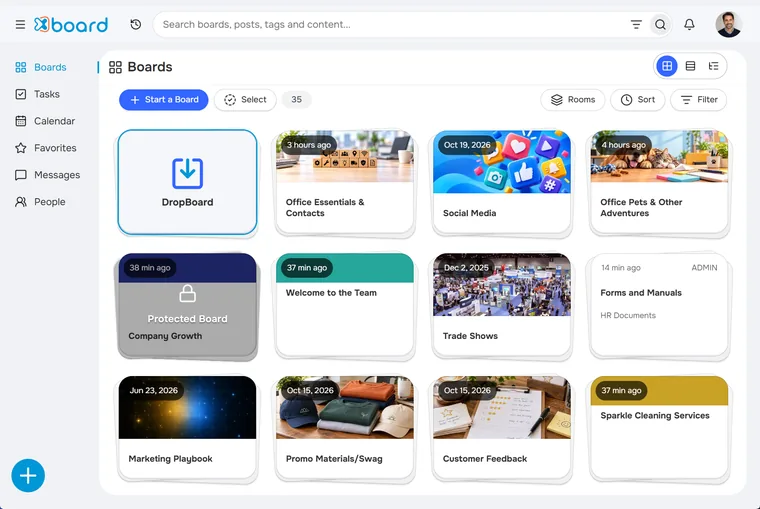
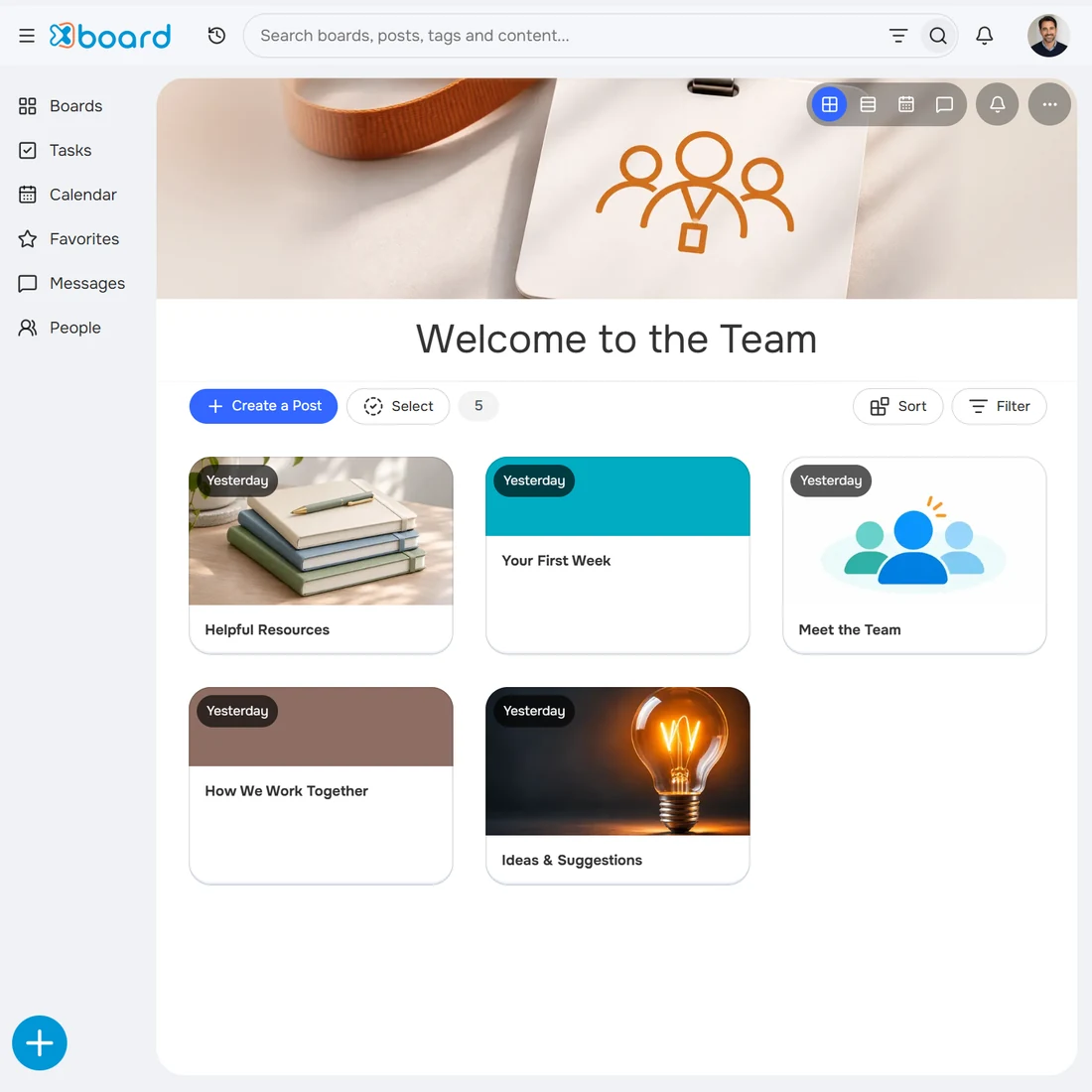
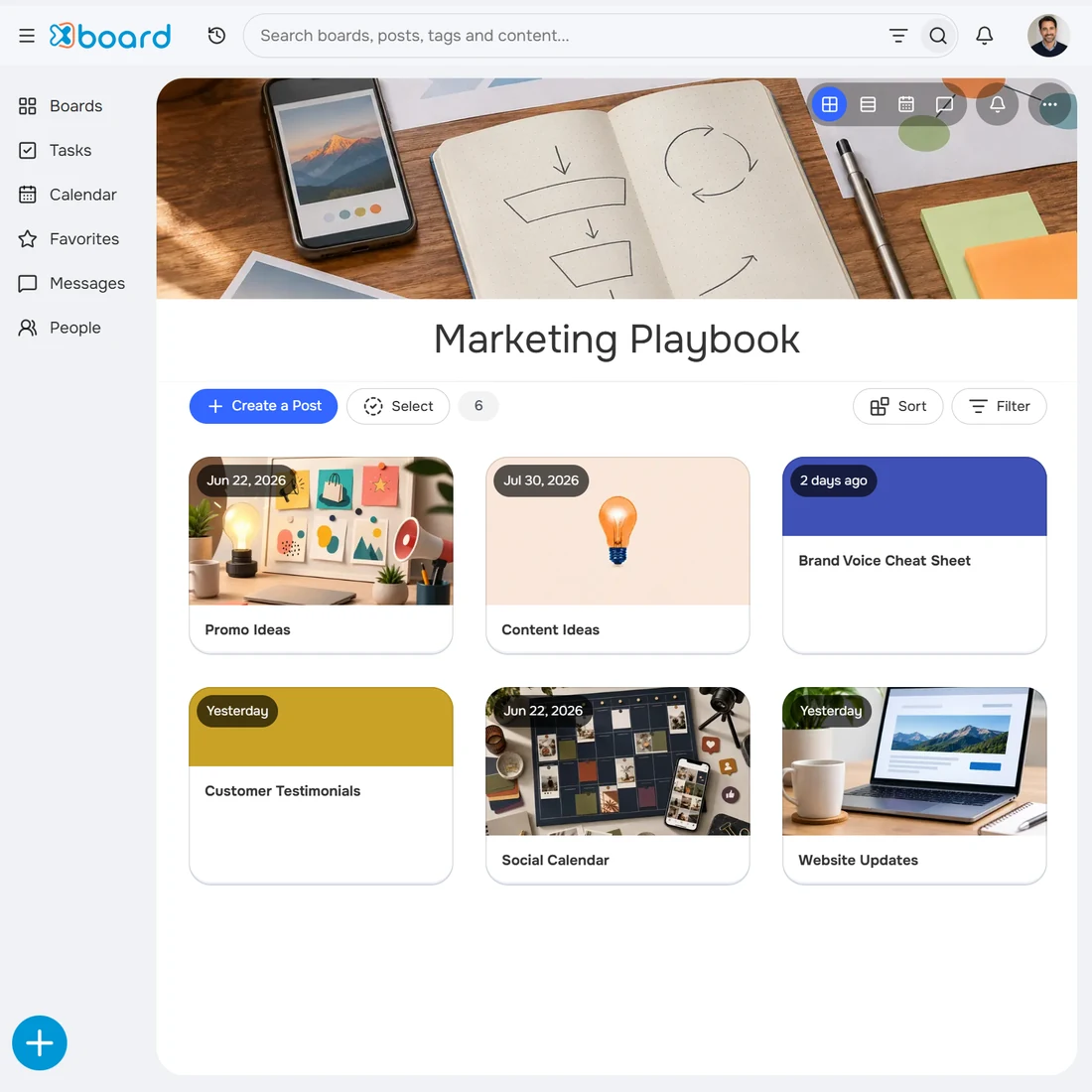
xBoard is work management software for small businesses. One job, one Board, everything on it.

  1. Create a Board for each customer, project, or area of work.
  2. Keep everything related together.
  3. Share selected Boards with your team or customers.

Learn one Board and you’ve learned xBoard.

Explore xBoard

See how xBoard works for you.

Explore everyday examples of keeping work organized and people connected.

Transcript of the xBoard overview video

Life used to be simple. Then came the endless apps, mystery folders, buried files, lost messages, and the spreadsheet pretending to be a system.

Before long, your life is running on inbox searches, chat threads, and someone who is pretty sure they saved it somewhere.

You’re not the problem. Digital chaos is.

That’s why we created xBoard: one organized workspace for your home, your business, and the things you manage together.

Create a Board for an event, project, process, vacation, or anything else you need organized.

Inside each Board, Posts keep notes, files, tasks, conversations, and decisions together, right where they belong.

Invite connections or share a Board with a customer without exposing the rest of your workspace.

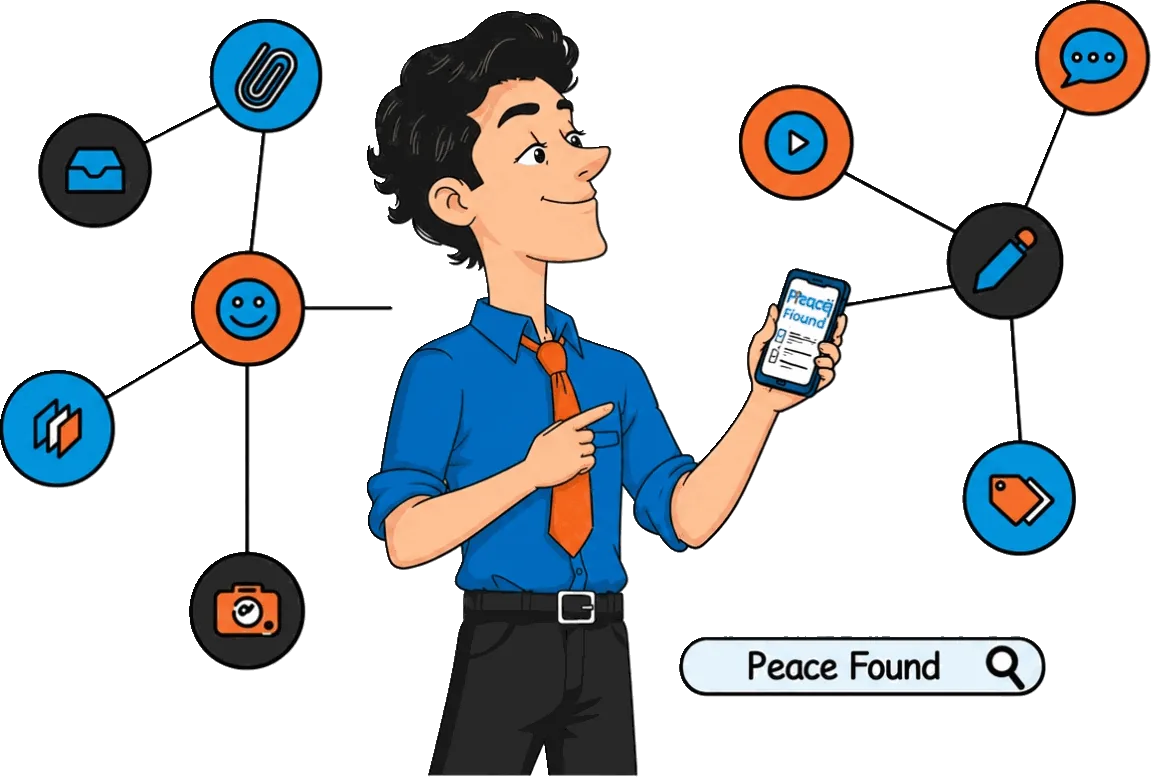
Add what matters. Find it when you need it. No more digging through six apps.

Start with one Board today and bring order back to your life.

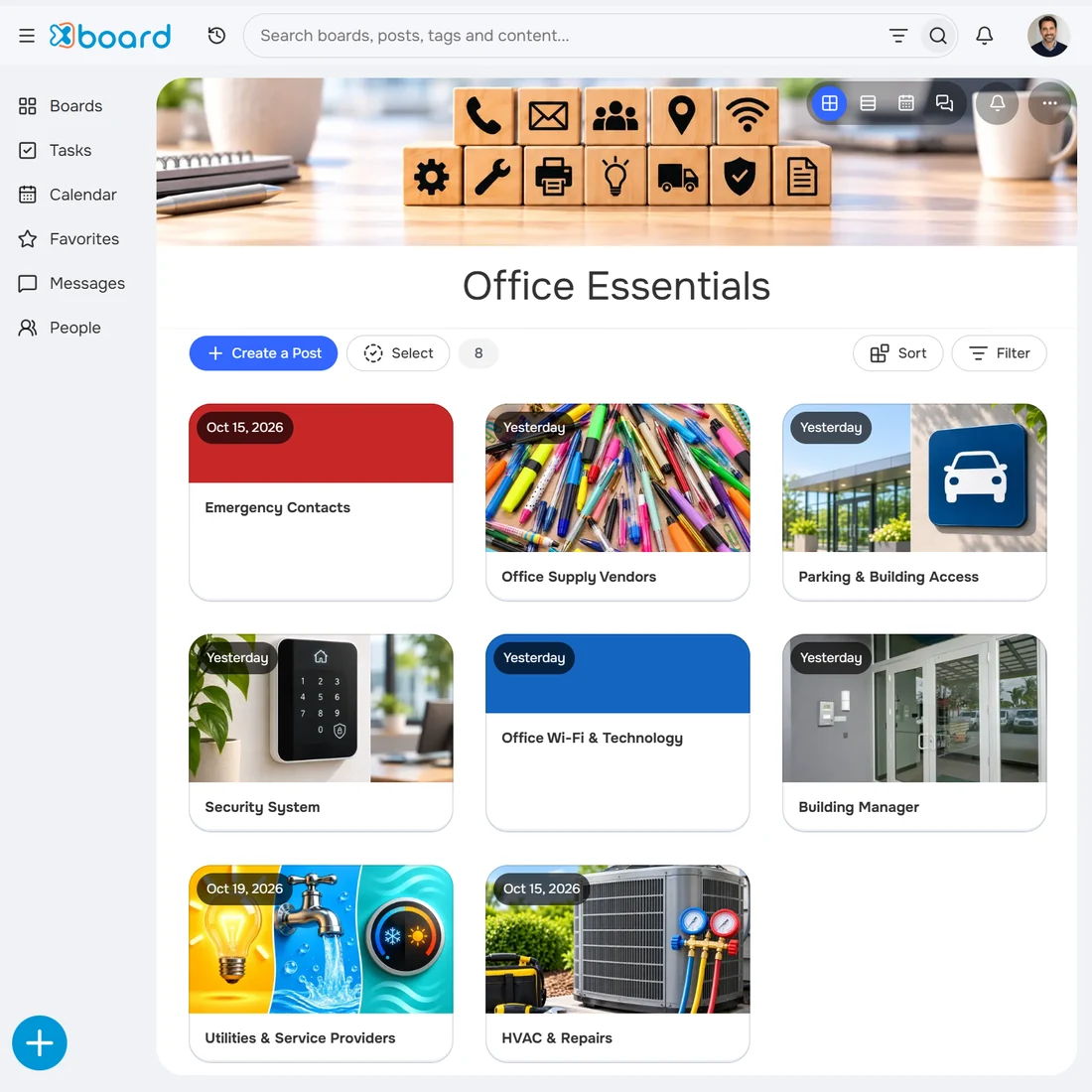
Everything your office needs, in one place.

Keep important contacts, office procedures, documents, and shared resources organized and easy to find.

  • Emergency Contacts
  • Building Manager
  • Security System
  • Office Supply Vendors
Get started freeNo credit card required
Who xBoard helps

Made for the way small teams really work.

Organized owner’s desk with a planning board and shop keys

Owners & managers

Daily operations, decisions, and team work.

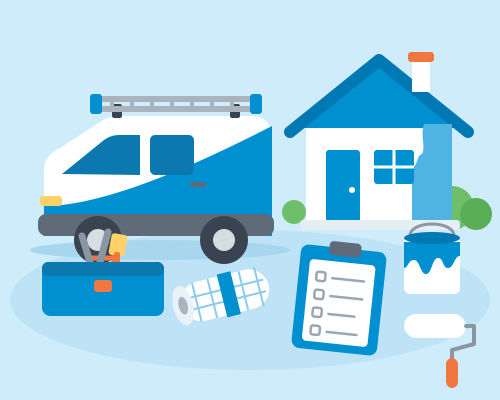
Service van with toolbox, checklist, and a freshly painted house

Service businesses

Customer jobs, documents, and follow-ups.

Three storefronts connected to one shared stack of cards

Multi-location businesses

Shared resources and standards across locations.

Home desk nook mixing work and everyday life

Individuals & solopreneurs

Client work, projects, and your own business.

Questions about managing your business with xBoard? Read the FAQ

Customer Collaboration

Share customer Boards without per-user fees.

Your customer sees what they need. Nothing more.

Share a Board with a customer without exposing the rest of your workspace.Your customer sees the files, updates and conversations on their Board and nothing else.Your internal Boards, other customers and team notes stay private.

Viewing as
Private Internal Board
Customer PrivatePrivate to your team
  • Contract.pdf
  • Internal notes
  • Team Messaging
Shared Customer Board
Customer SharedVisible to the team and customer
  • Kickoff update posted
  • Project Brief.pdf
  • Customer Messaging

Your team sees both Boards. Your customer sees only the shared Board.

  • Share without oversharing

    Give customers the information they need while keeping your internal work private.

  • Collaborate on your terms

    Work together on shared Boards, exchange direct messages, and keep everyone involved.

  • Keep your customers informed

    Share closures, events, or important updates without contacting everyone individually.

“Finally, everything is in one place.” Katie Sign-Xpress, St Croix Falls, WI
Real customer story

A customer calls. The answer is right there.

At Sign-Xpress, each customer’s shared Board keeps requests, files, and job details together. When a request becomes a task, it appears in that customer’s Stages and in the team’s view of work across all customers.

  • See customer jobs and their progress in one place.
  • Pull up an order in one or two clicks.
  • Answer questions and update job details during the call.
Getting started

Start small. Get organized.

Bring one part of your work into focus. Build from there.

  1. Create your free account

    Start free. No credit card required.

  2. Set up your first Board

    Choose one project, customer, or everyday business subject.

  3. Add your work

    Bring in files, notes, and tasks. Invite others when you’re ready.

A few common questions

Before you start.

Let’s answer a few common questions before you get started.

All questions

Still have a question?

Send us a note and we’ll get back to you.

Talk to us

Yes. xBoard offers free plans for individuals and businesses, with no credit card required. Upgrade when you need more.

Yes. You can use xBoard on your own. Add your work first and invite others when you’re ready.

Yes. Upload existing files, add notes, and link to information in the tools you already use. Keep those tools while organizing related work together in xBoard.

Customers see only the shared Customer Boards they’re invited to access. Your internal Boards and other customers’ work stay private.

You can organize customer information and manage customer Boards without inviting customers to xBoard. To collaborate on a shared Board, a customer signs up, which creates an xBoard account. They only need to use it to access that shared Board.

Start with one Board.

Know where information belongs. Find the answers you need. See what needs attention.

Get started free

No credit card required · Start on your own or with your team